MM logo white 1
MM logo red
Image description is not available

What is the best monitor for you?

Luca11 JANUARY 2026
A desk has two monitors, a laptop, a calculator, and office supplies. The monitors display spreadsheets and invoices.

By connecting a monitor to your computer or laptop, you can enjoy extra workspace. Do you want a sharp resolution, a high refresh rate, or a curved screen? Whatever you're looking for, you'll find the best monitors of the moment in this overview.

What is the best monitor now?

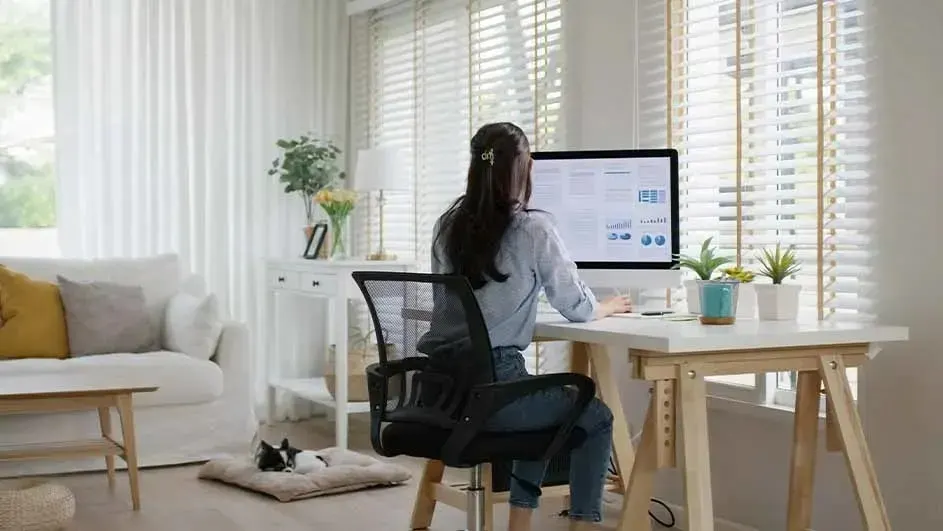
Woman works at a desk with a large monitor in a bright living room, while her cat sleeps peacefully on a floor cushion.

To choose the right monitor, first look at the screen size and panel type (IPS, VA, or TN). Together, these determine the viewing comfort and colour reproduction. After that, the purpose of use plays an important role. Do you mainly use your computer to email or take notes? Then a basic model with full HD resolution will suffice. For graphic work, photo or video editing, you need a higher resolution and accurate colour reproduction. Gamers should choose a monitor with a high refresh rate and low response time, so that images are displayed smoothly. Finally, your budget also determines the choice: from decent entry-level models to advanced screens with extra functions.

How to choose a monitor that suits you
The best budget-friendly monitor

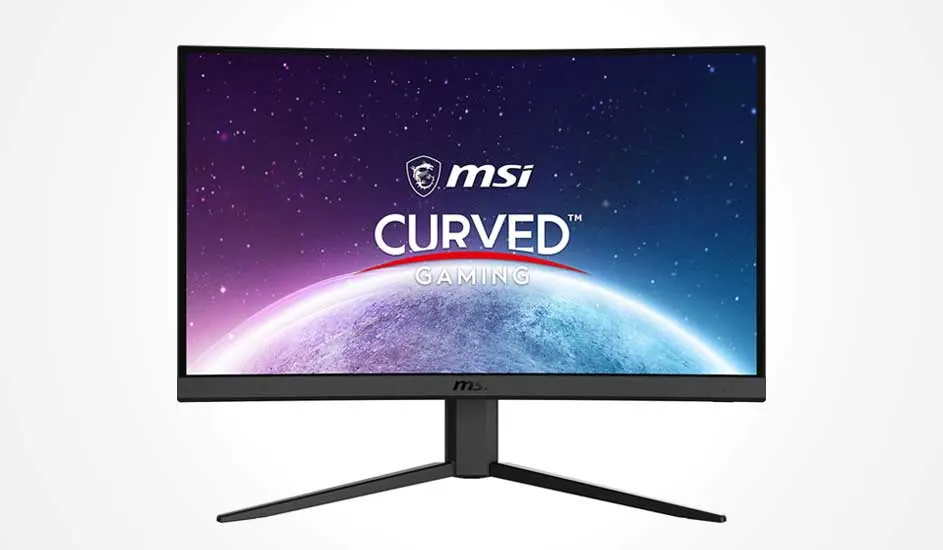
Curved MSI gaming monitor with thin bezel displays a vivid space scene and planets on a sleek, minimalist stand.

Le moniteur MSI Gaming G24C4 E2 prouve qu’un écran abordable peut aussi être rapide et performant. Pour un petit prix, tu acquiers une dalle VA incurvée de 23,6 pouces avec une résolution Full HD, un taux de rafraîchissement de 180 Hz et un temps de réponse de seulement 1 ms. Avec la technologie AMD FreeSync Premium, qui synchronise la fréquence de l’écran avec celle de la carte graphique, tu profites d’images fluides, sans saccade ni tearing. Grâce à une couverture colorimétrique de 110 % sRGB, cet écran MSI est adapté aux tâches de base mais aussi au design graphique.

To the MSI Gaming G24C4 E2
ProsCons

High refresh rate of 180 hertz and response time of 1ms for smooth gameplay.

Tiltable, but not adjustable in height.

Curved VA panel with deep contrast (3000:1) and vivid colours.

Medium brightness (250 nits), less suitable for very bright rooms.

AMD FreeSync Premium for smooth visuals.

No USB-C connection.

The best monitor under 200 euros

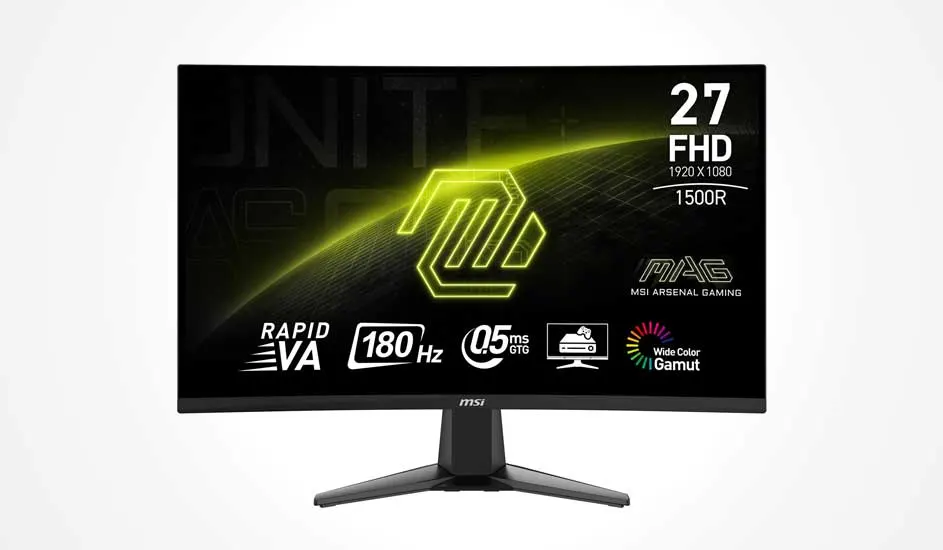
Curved MSI gaming monitor shows 27" FHD display with yellow glow, 180 Hz, 0.5 ms and wide colour gamut for fluid play.

The MAG 27C6F gaming monitor from MSI is a budget-friendly model, offering a bright, large screen for comfortable gaming and working. The 27-inch curved VA panel with Full HD resolution delivers sharp, high-contrast images. Thanks to the high refresh rate of 180Hz and the 0.5ms response time, you get a smooth image experience for videos, work, and entertainment. It’s equipped with a blue light filter, an anti-glare screen and a tilting base, so you can use it comfortably for a long time.

To the MSI MAG 27C6F
ProsCons

Large 27-inch curved VA panel with high refresh rate and fast response time.

Full HD at 27 inches looks less sharp than 1440p.

FreeSync reduces image tearing and keeps images smooth.

Medium brightness (250 cd/m²), less suitable for very bright rooms.

Ergonomic to use, thanks to the blue light filter, anti-glare screen and tilt function.

Not adjustable in height.

The monitor with the best value for money

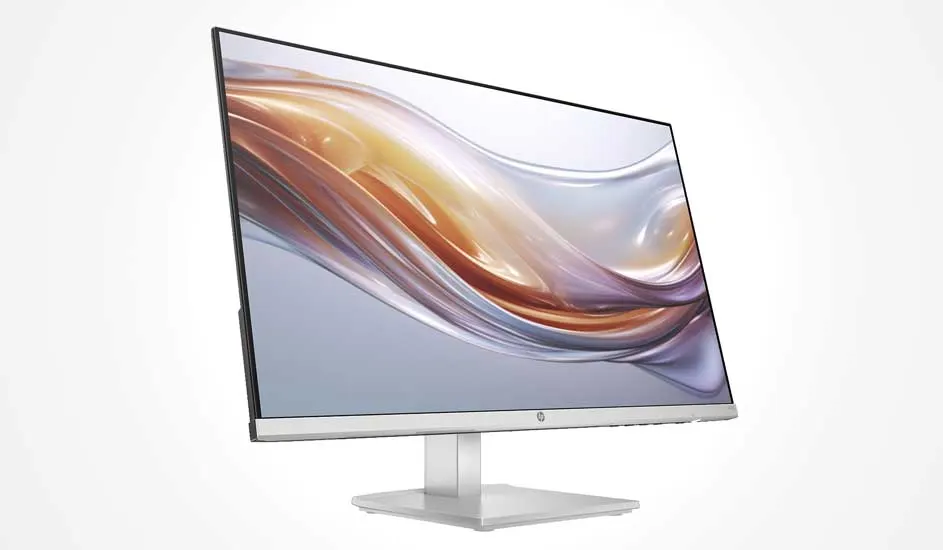
Slim HP monitor with near borderless design shows a flowing golden wave on pale background, resting on a sleek stand.

The HP Monitor Series 5 524sh offers excellent image quality and ease of use at a competitive price. The 23.8-inch Full HD IPS display covers 99% of the sRGB colour space, ensuring images are clear, vivid and true-to-life. With a refresh rate of 100Hz and a response time of 5ms, you can respond in a fraction of a second with this 24-inch monitor. The height-adjustable and tiltable stand allows you to work ergonomically.

To the HP Monitor Series 5 524sh
ProsCons

Sharp and clear IPS display with 99% sRGB for colour-accurate visuals.

No built-in speakers or webcam.

Smooth gaming thanks to 100Hz refresh rate and 5ms response time.

Only has HDMI and VGA connections.

Ergonomic and slim design with adjustable stand.

Not VESA-compatible for mounting on monitor arms.

The best monitor for photo and video editing

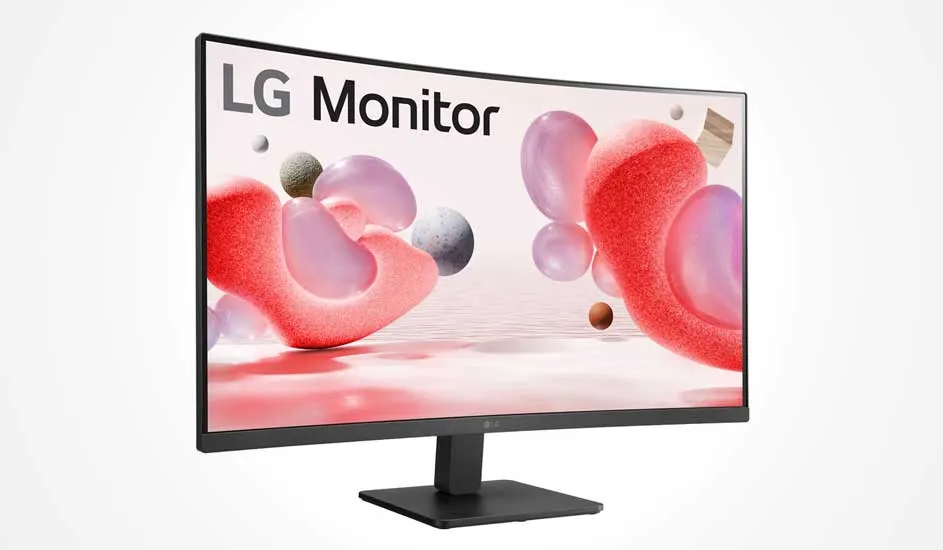
Curved LG monitor with slim bezel displays pink and grey 3D spheres on a soft pale background above a black stand.

The 32MR50C-B. AEUQ LG monitor is an excellent choice for those who are very involved in photo or video editing. The large 31.5-inch curved VA panel has a high contrast of 3000:1. This allows you to enjoy deep blacks and vibrant colours. The wide viewing angle of 178° keeps images looking good from almost any position. With a 100Hz refresh rate and a 5ms response time, videos are displayed smoothly. Thanks to AMD FreeSync, Flicker Safe, and Reader Mode, you can minimise eye strain, especially if you're gaming for hours or watching movies and series. Keep in mind that the Full HD resolution at this size looks slightly less sharp than higher resolutions.

To the LG 32MR50C-B. AEUQ
ProsCons

High contrast and rich colours thanks to VA panel with 3000:1 ratio.

Less sharp image due to Full HD in large format.

Large 31.5-inch curved screen with wide viewing angle.

Only tiltable, not height adjustable.

Smooth video playback with 100 hertz and 5ms response time.

Limited connections: no USB-C, only HDMI and VGA.

The best office monitor

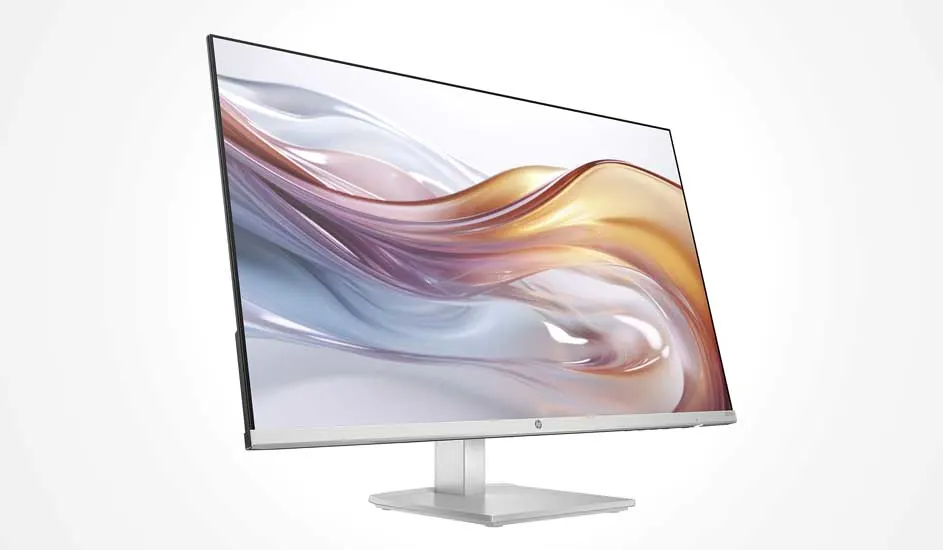
Slim HP monitor with ultra-thin bezel shows flowing silver-gold waves on a pale background, set on a modern white stand.

The best office monitorLe meilleur moniteur de bureau

The HP Monitor Series 5 527sh is suitable for those who spend many hours in front of the screen. The large 27-inch IPS panel delivers crisp Full HD visuals with realistic colours (99% sRGB) and a wide 178° viewing angle, so you can see a clear view from the side. The monitor is adjustable in height and tiltable, so you can always adopt an ergonomic working posture and limit neck or eye fatigue. With a 100Hz refresh rate and a response time of 5ms, images are displayed smoothly, useful for videos or interactive applications. The matte screen and the HP Eye Ease blue light filter provide extra viewing comfort during long working days.

To the HP Monitor Series 5 527sh
ProsCons

Large 27-inch IPS display with Full HD, 99% sRGB and wide viewing angle.

No built-in speakers or webcam.

Ergonomically adjustable in height and tiltable for more comfort.

Only has HDMI and VGA connections.

100 hertz refresh rate and 5ms response time for smooth image.

The best monitor for working from home

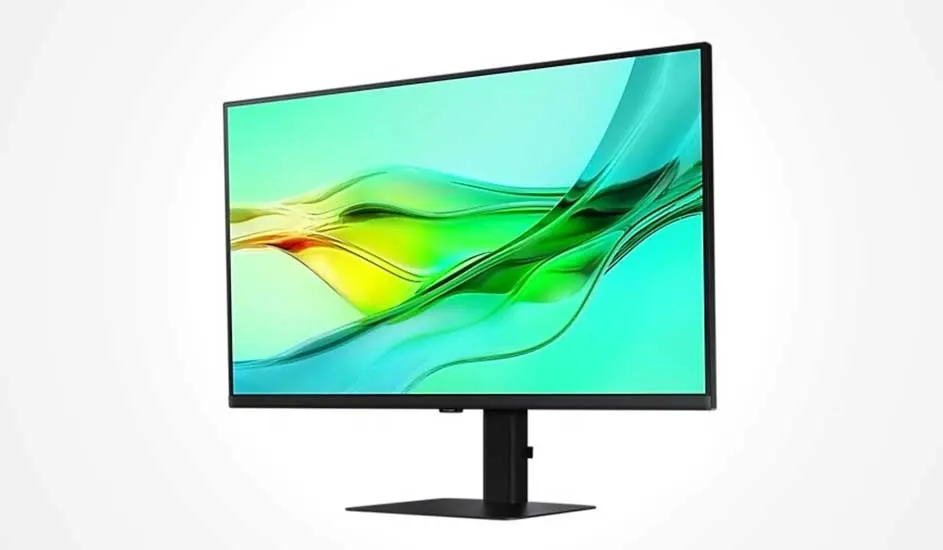
Black monitor with slim bezel displays flowing green and yellow waves on pale blue, resting on a sleek rectangular stand.

The Samsung ViewFinity S6 is an excellent choice for those who often work from home. The 32-inch IPS panel has a crisp QHD resolution and 99% sRGB colour coverage, with HDR10 support for vivid and true-to-life colours. Thanks to the wide viewing angle of 178° and the ergonomic design, you can fully adjust the monitor to your workplace. With a 100Hz refresh rate and eye-friendly features like Flicker-Free and Eye Saver mode, you can work comfortably, even during long days. In addition, this monitor has USB-C with 90W power supply, allowing you to charge the laptop quickly and connect multiple devices without separate hubs.

To the Samsung ViewFinity S6
ProsPros

Crisp QHD resolution with HDR10 and 1.07 billion colours for true-to-life reproduction.

No built-in speakers or webcam.

Ergonomically adjustable for optimal comfort.

USB-C with 90W charging and multiple connections for versatile use.

The best monitors at MediaMarkt

The best monitor is one that meets all your wants and needs. Pay particular attention to screen size, resolution, panel type, and ergonomic features to make sure you choose a monitor that suits your work or how you game. This way you work comfortably and productively.

These articles may also be interesting for you